YKYONGKE SENSE
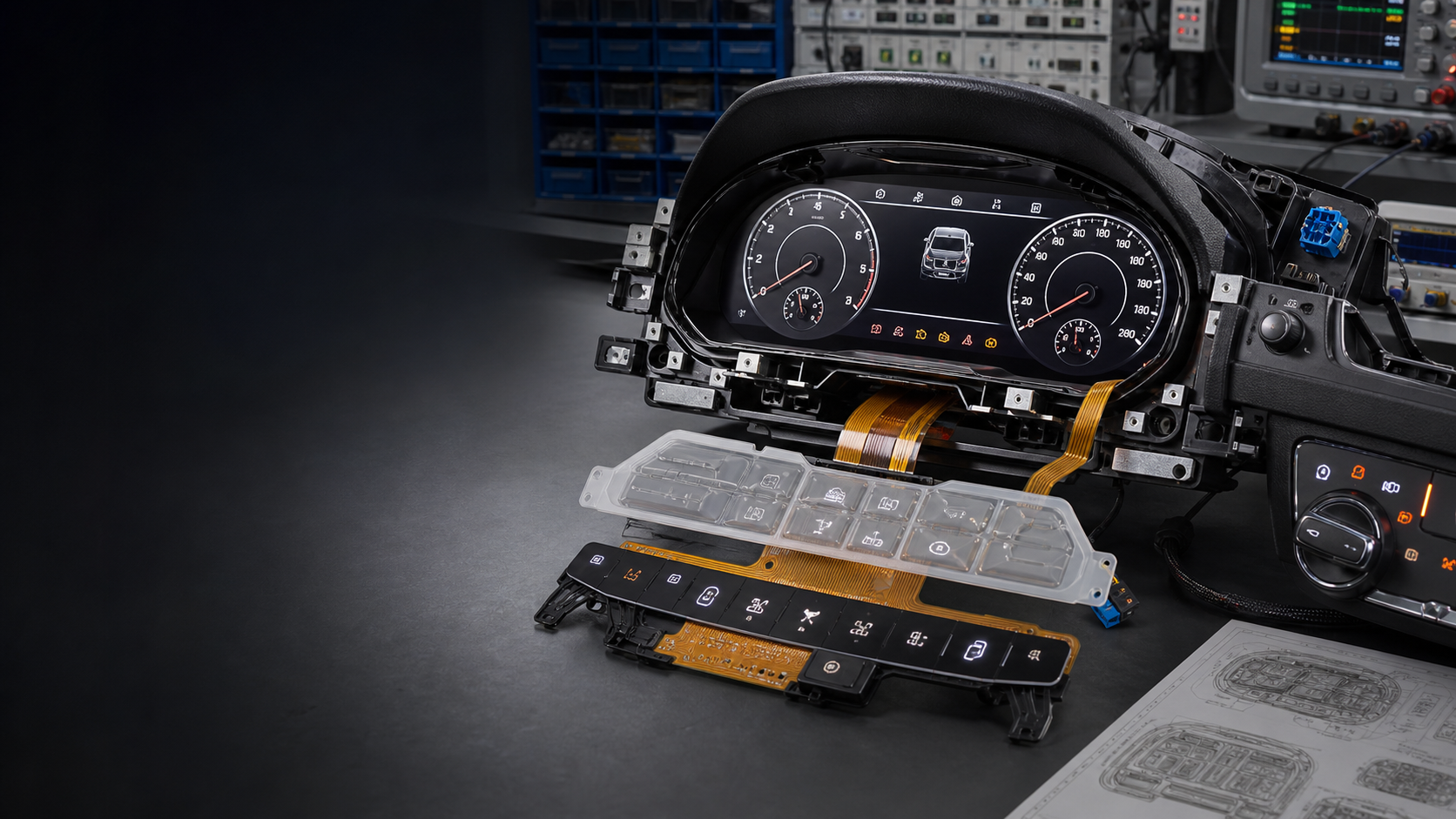
Automotive instrument cluster and cockpit HMI

CLUSTER / Intelligent sensing · Flexible interaction · Thermal applications

Automotive instrument cluster and cockpit HMI

Instrument clusters, backlit icons, touch controls, flexible circuits and cockpit interaction components.
Back to brand home

APPLICATION CONTEXT

Start with the real equipment and operating conditions

These are discussion directions, not a completed selection or engineering design. Final specifications still depend on drawings, environment and validation requirements.

BUYER QUESTIONS

Answers to the questions that decide the next step

These answers define what can be evaluated and what inputs are needed. They do not promise specifications, pricing or lead time.
01

Can Automotive instrument cluster and cockpit HMI be customized for my equipment?

A project can be evaluated around the real application, dimensions and interface, operating environment, expected quantity and timing. Materials, construction, pricing and lead time require human confirmation.

02

What applications can be discussed for Automotive instrument cluster and cockpit HMI?

Current discussion directions include Backlit icons and touch keys for instrument clusters, Cockpit graphic panels and flexible circuits, Early HMI prototype validation for vehicle programs. Final selection still depends on drawings, operating conditions and validation requirements.

03

What should I provide before asking for a quotation or prototype?

Please start with Vehicle and project stage, Display and backlighting, Key or touch method, Interfaces and validation. An existing drawing or photo can help a person review the requirement, but the online adviser will not invent missing specifications.

PROJECT INPUTS

Prepare these four groups of information

These inputs help a person decide whether the project is ready for evaluation. They do not confirm materials, performance, pricing or lead time.
  1. INPUT 01Vehicle and project stage
  2. INPUT 02Display and backlighting
  3. INPUT 03Key or touch method
  4. INPUT 04Interfaces and validation

NEXT STEP

Turn a search visit into a requirement people can follow up

  1. 01
    Leave contact details

    Provide a phone number or email address first so a person can take over.

  2. 02
    Describe parameters and quantity

    Add the application, key parameters, expected quantity and project timing.

  3. 03
    Upload an existing drawing

    PDF, PNG, JPG or DXF enters an isolated area with its digest preserved.

  4. 04
    Wait for human confirmation

    Only a person confirms price, lead time, materials and manufacturability.

SUBMIT A REQUIREMENT

Give people a complete project, not a vague message

AI organizes and asks questions. The original words, contact details, drawings and acquisition source enter the business system together.
Contact Jack0755-86130975szbsdjia@163.com